Ground Snapping
The simulation itself is 2D - it reasons entirely on the world X/Y plane and stores no Z. To place agents on uneven terrain, the crowd actor tracks each agent's Z height itself (UE-side) and can re-trace the ground under every agent each tick. This is the ground snapping system.
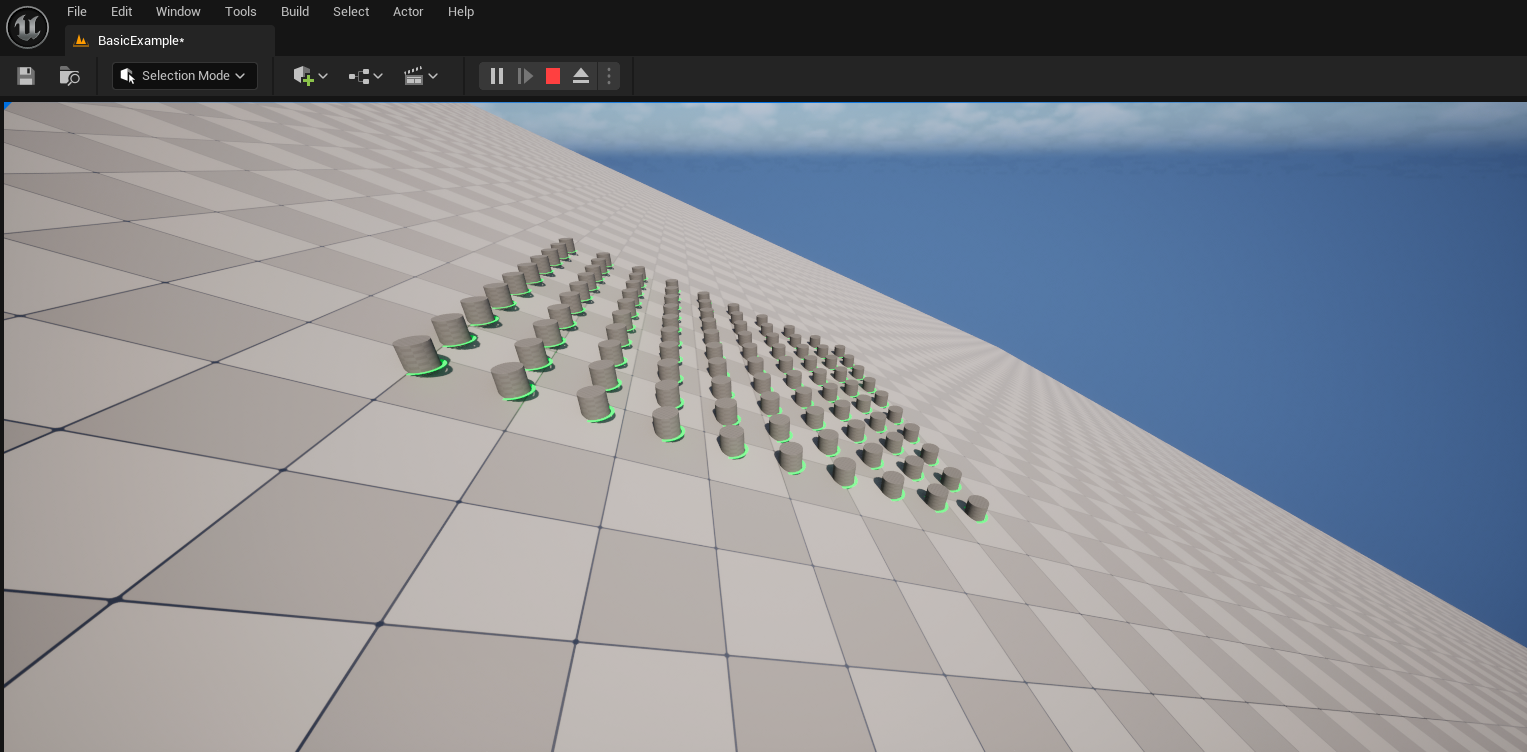
How Z is tracked
- When you
SpawnAgent(Position),Position.Zbecomes that agent's initial tracked Z. - With Snap To Ground off, agents keep that spawn Z forever (fine for flat levels).
- With Snap To Ground on, every tick the actor traces the ground under each agent's X/Y and glues its tracked Z to the hit - so positions and transforms follow the terrain.
The tracked Z is keyed by the agent's stable id, so it survives the index reshuffles that removals cause.
Enabling it
Turn on Ground → Snap To Ground and configure the trace:
The self-collision trap
The most common setup mistake: the ground trace hits the agents' own render meshes. If the actor that renders your crowd (the ISM owner) isn't ignored by the trace, every trace lands on a mesh instead of the ground, and agents climb onto themselves tick by tick, drifting upward.
Add whatever renders the crowd to Ground Trace Ignored Actors. (This crowd actor always ignores itself.)
Performance: the per-tick trace cap
Ground snapping costs one line trace per agent per tick, which dominates the frame at high agent counts. Max Ground Traces Per Tick caps it:
0(default) - trace every agent every tick (accurate, most expensive).N > 0- trace only the next N agents each tick in round-robin order; the rest keep their last Z until their turn.
For thousands of slow-moving agents on gentle terrain, a cap of a few hundred is usually indistinguishable from tracing all of them, at a fraction of the cost.
Reading the ground normal
TArray<FVector> Normals = Crowd->GetAgentGroundNormals({});
// World up until a trace has hit; the traced surface normal afterwards.
This is the same normal bAlignTransformsToGround uses, exposed in case you want to drive
your own decal/marker alignment.