Wall Generation
Walls are how you tell the crowd where it cannot go. Internally the simulation keeps a
wall grid: a coarse grid of square tiles (size = WallTileSize) that are either open or
blocked. Blocked tiles both block pathfinding (routes go around them) and, when
bWallCollision is on, physically stop agents from entering.
Seeding walls from the nav mesh
The easiest way to get walls that match your level is to mirror Unreal's navigation mesh.
The crowd actor's Wall Generation Method defaults to Nav Mesh, so the walls are built
automatically on BeginPlay.

What happens: the built nav mesh is rasterized into the wall grid - every WallTileSize cell
whose centre is not covered by a navigable triangle becomes a wall. So holes, static
obstacles and unnavigable regions in the nav mesh become walls in the crowd sim.
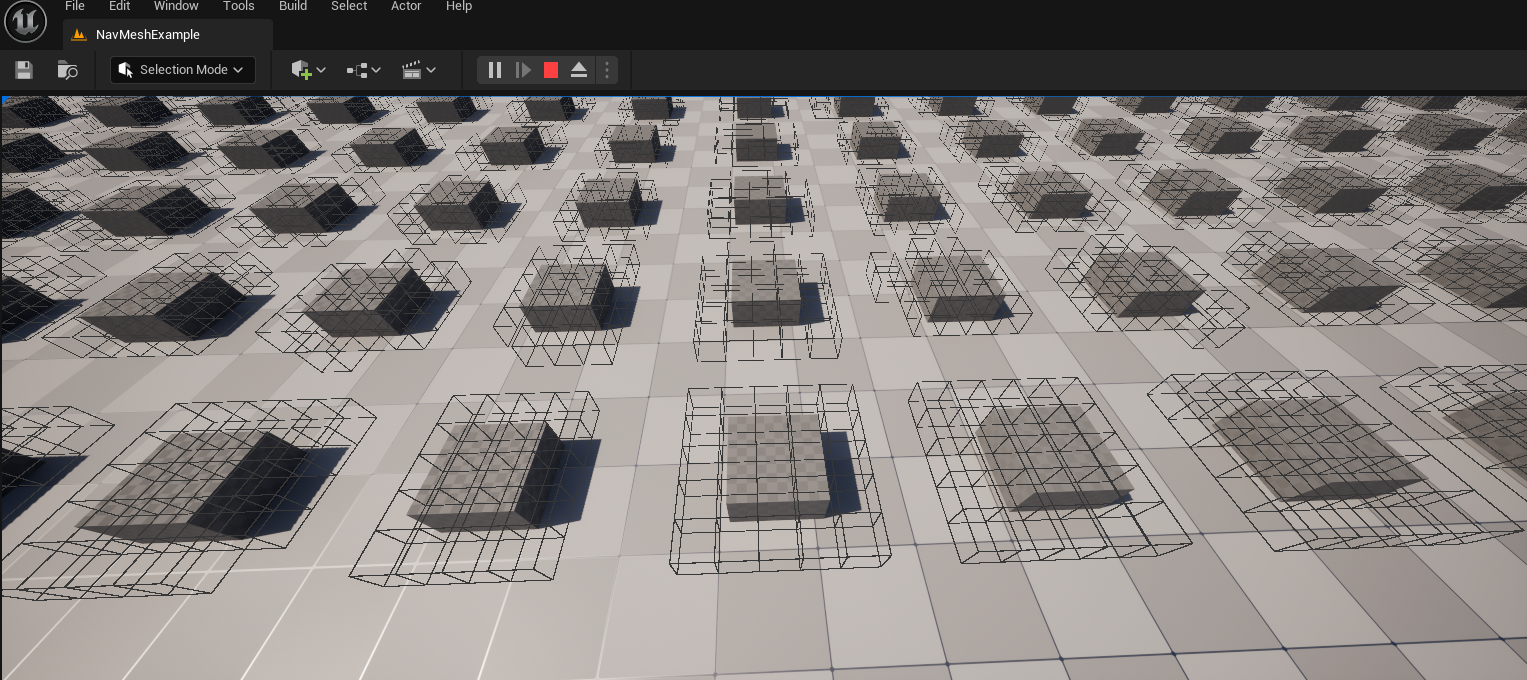
This requires the nav mesh to be built. Add a Nav Mesh Bounds Volume to your level (and
a RecastNavMesh actor) covering the playable area, the same as you would for normal UE
navigation.
Staying in sync at runtime
With Sync Walls With Nav Mesh on (the default), the walls update automatically whenever
the nav mesh rebuilds at runtime - this requires Runtime Generation = Dynamic on the
RecastNavMesh. Tiles you stamped manually with AddWallTile are never touched.
GenerateWallTilesFromNavMesh() runs the same sync on demand.
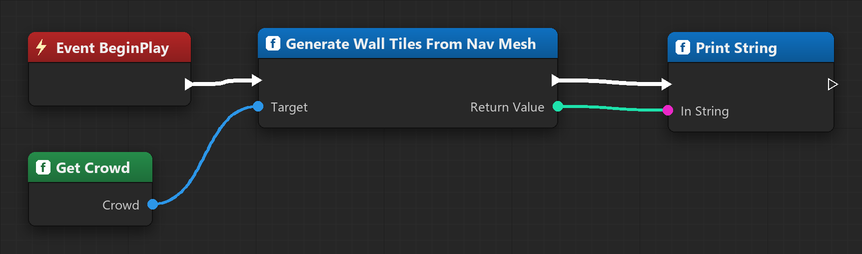
int32 Changed = Crowd->GenerateWallTilesFromNavMesh();Stamping and removing walls at runtime
You can also add and remove wall tiles directly, by grid coordinate, without any nav mesh - e.g. stamp a building's footprint when it's placed and remove it when it's destroyed.
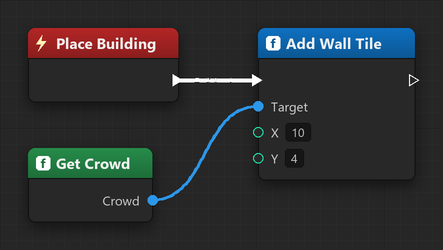
// Block the tile at grid (X, Y). Coordinates are in wall-tile units.
Crowd->AddWallTile(10, 4);

// Unblock it again (e.g. the building was destroyed):
Crowd->RemoveWallTile(10, 4);

// Drop the whole grid, or read it back (e.g. to visualise it):
Crowd->ClearWallTiles();
TArray<FIntPoint> Tiles = Crowd->GetWallTiles();
Any wall change - added or removed - re-routes the orders passing near it on the following ticks. The rest of the map keeps its cached routes.
Tuning how the crowd treats walls
See the Crowd Actor reference for the full property list.